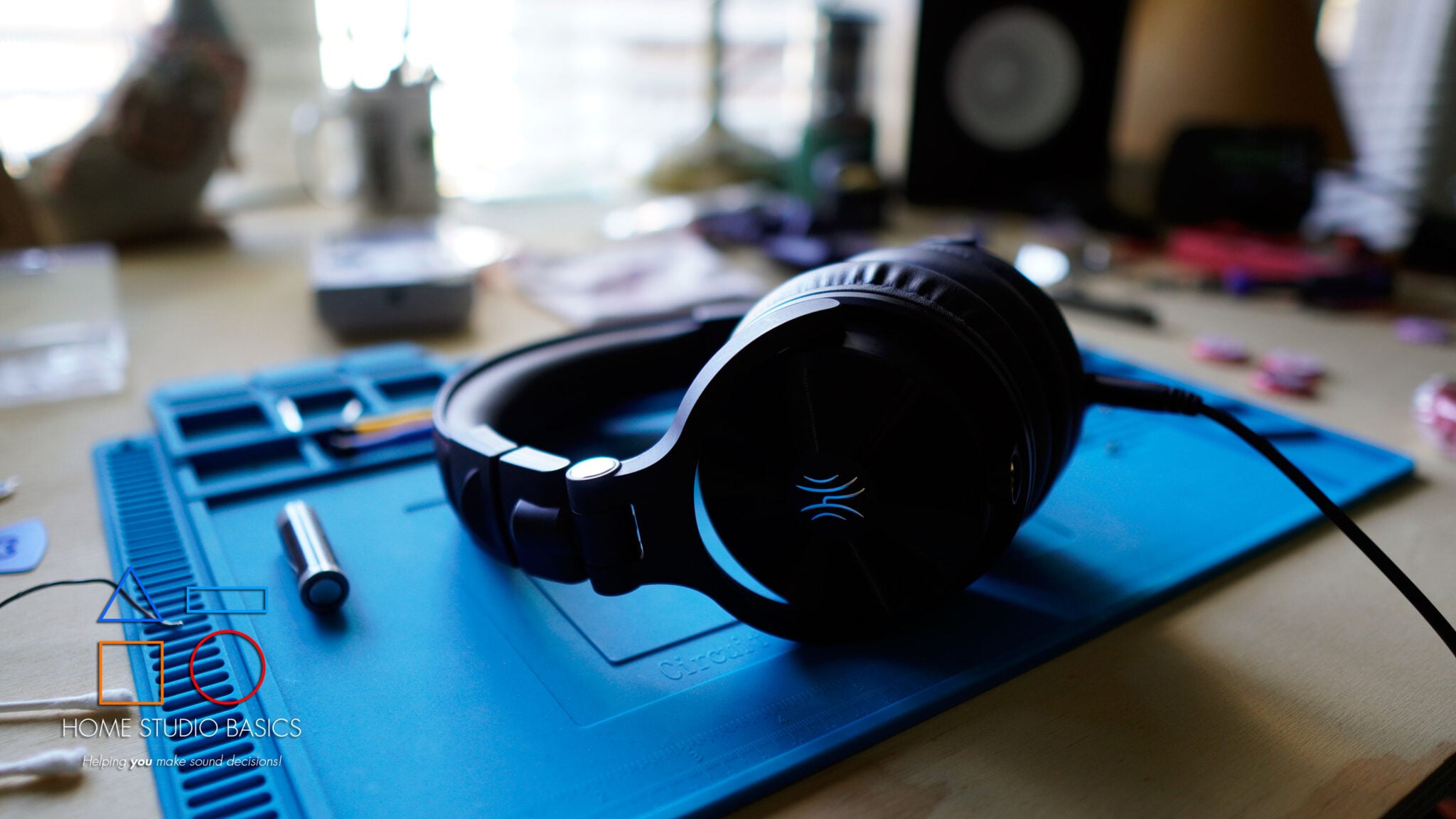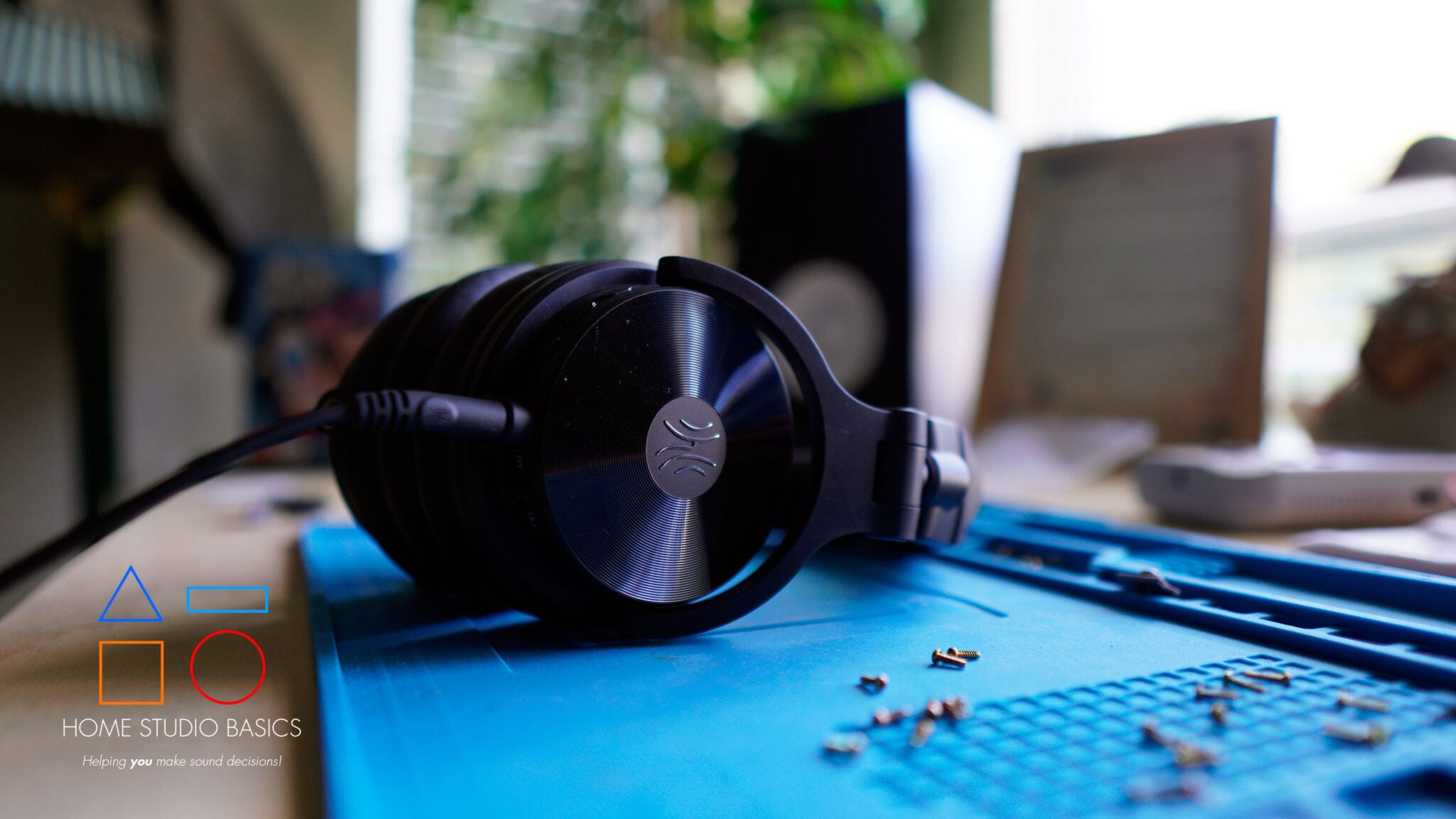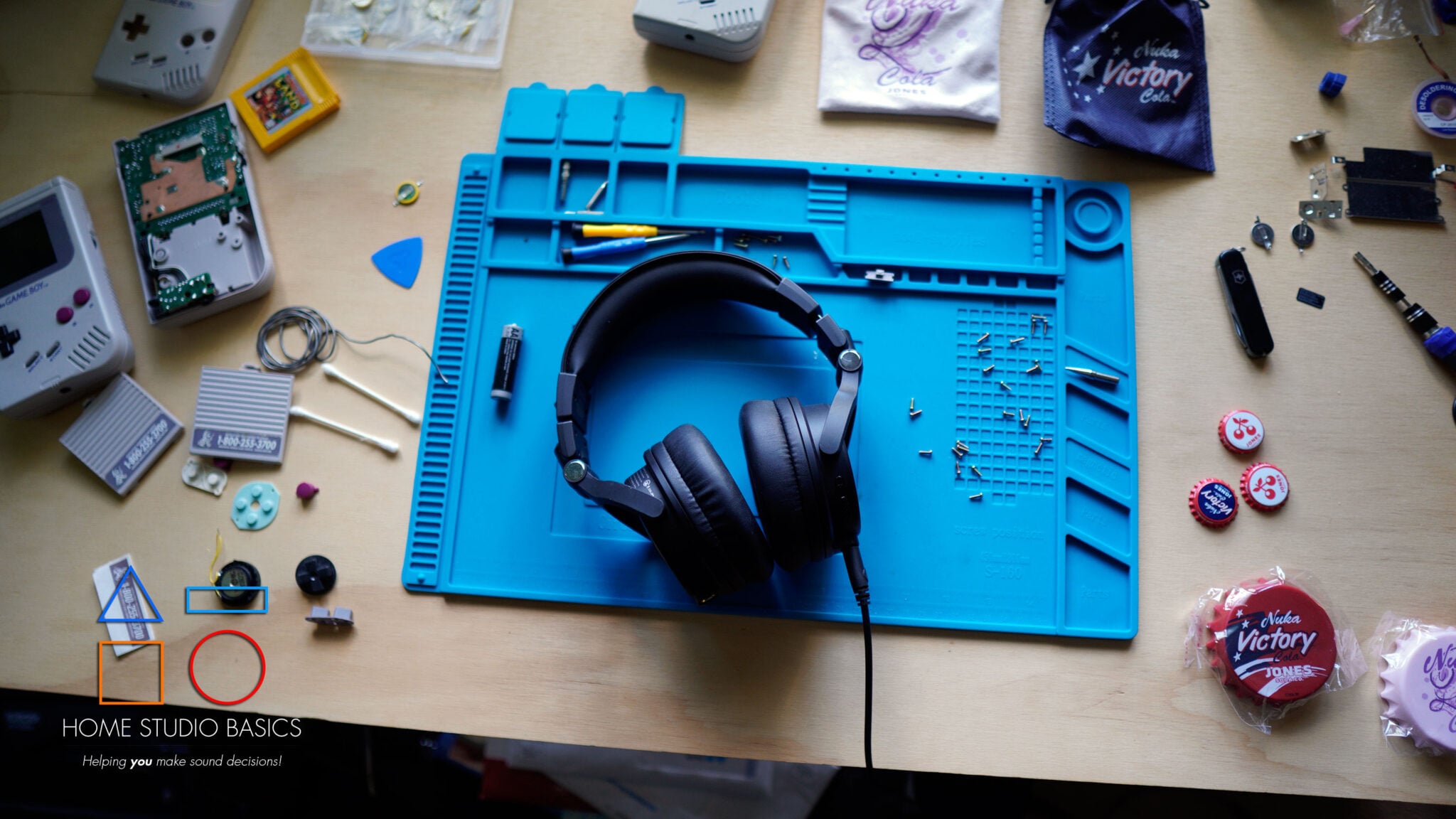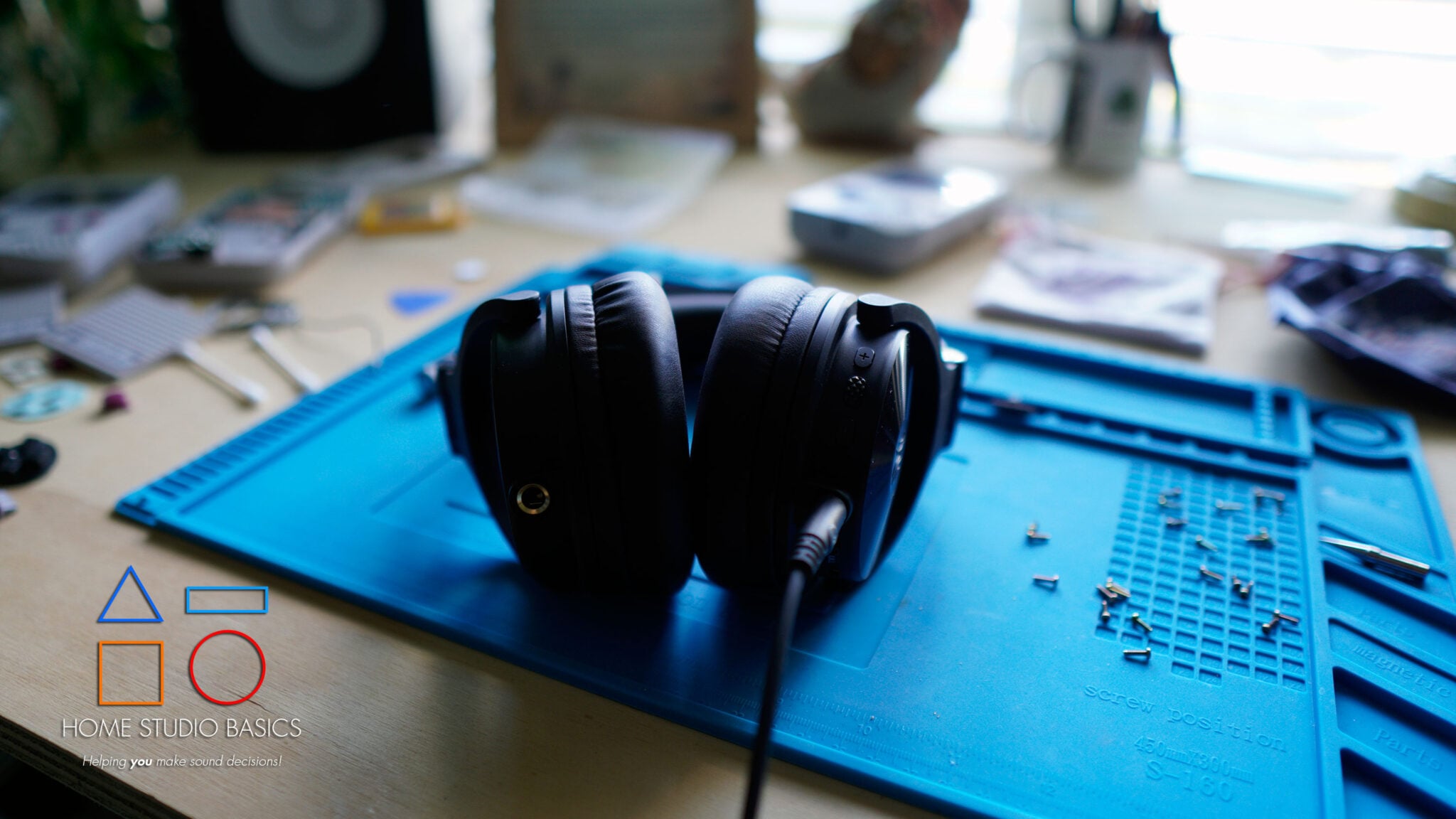
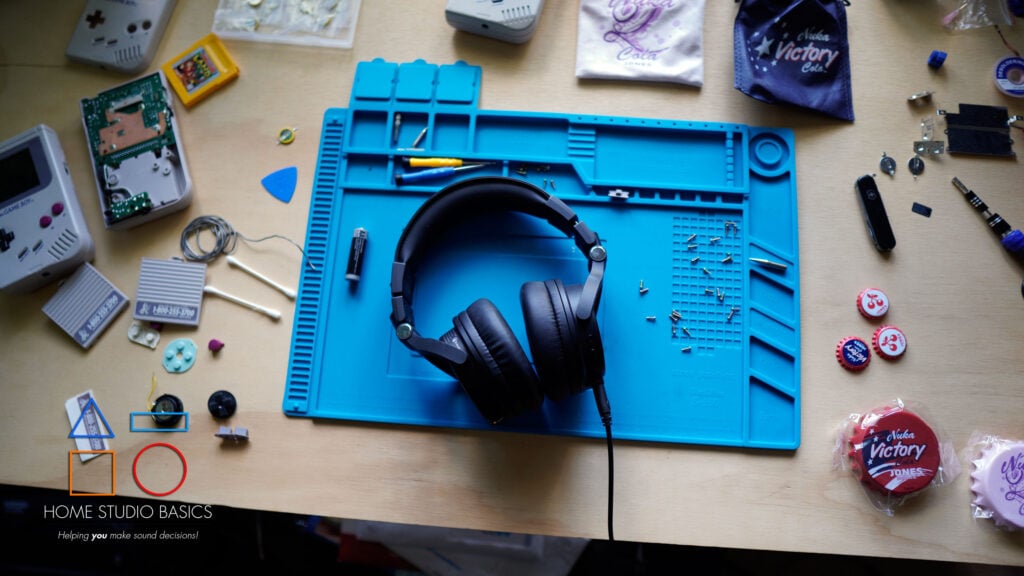
OneOdio Studio Max 2 Review: 6 Months Later
Greetings mate and welcome aboard! Stuart Charles here, HomeStudioBasics.com helping YOU make sound decisions, so…
When I reviewed the Studio Max 2 back in May of 2026, I came away pretty impressed.
The sound was significantly cleaner and more resolving than the original Studio Max, the M2 transmitter made the wireless side of the equation genuinely useful for studio work, and aside from one comfort issue with the headband, there weren’t any glaring issues.
But that was 6 months ago.
Now that the honeymoon phase is over, would I still make a conscious effort to choose Max 2 for dedicated studio work?
I’d have to say yes, especially considering it occupies a great spot in my best headphones for mixing, mastering, and music production piece.
As I’ve continued listening to these headphones, everything is still working exactly as it should, and the same thing that stood out to me during the original review is still its greatest strength today:
the sound.
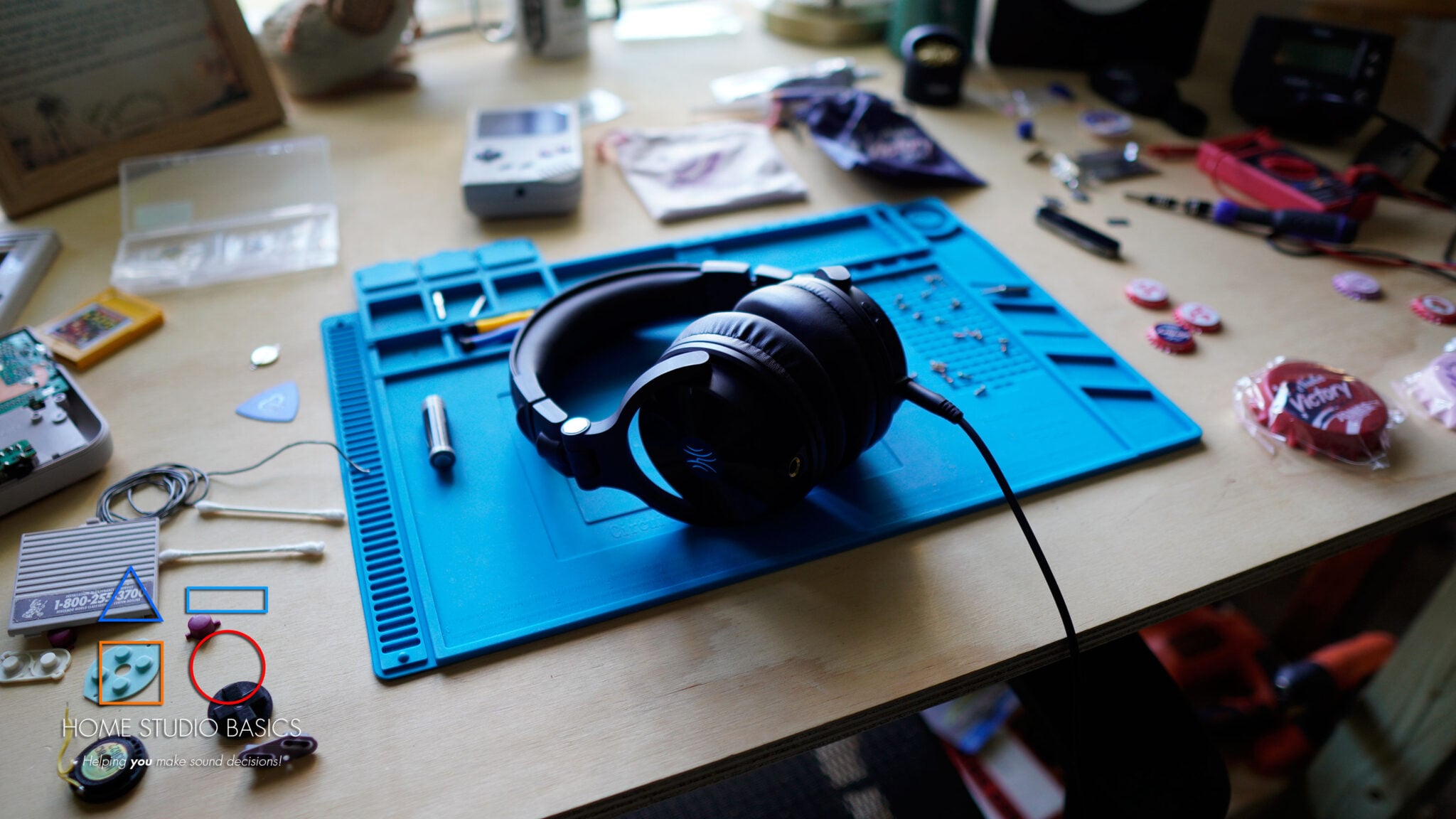
After going back to these and giving them a proper listen, I still think resolution is one of the main reasons to purchase one.
This and overall tuning are 2 of the biggest improvements over the original, and that sentiment still stands.
Max 2 is still very good at pulling apart a mix, exposing background information, providing an excellent sense of decay and release of voices and instruments, and making smaller details easy to identify without turning the overall presentation into something overly bright or clinical.
Bass
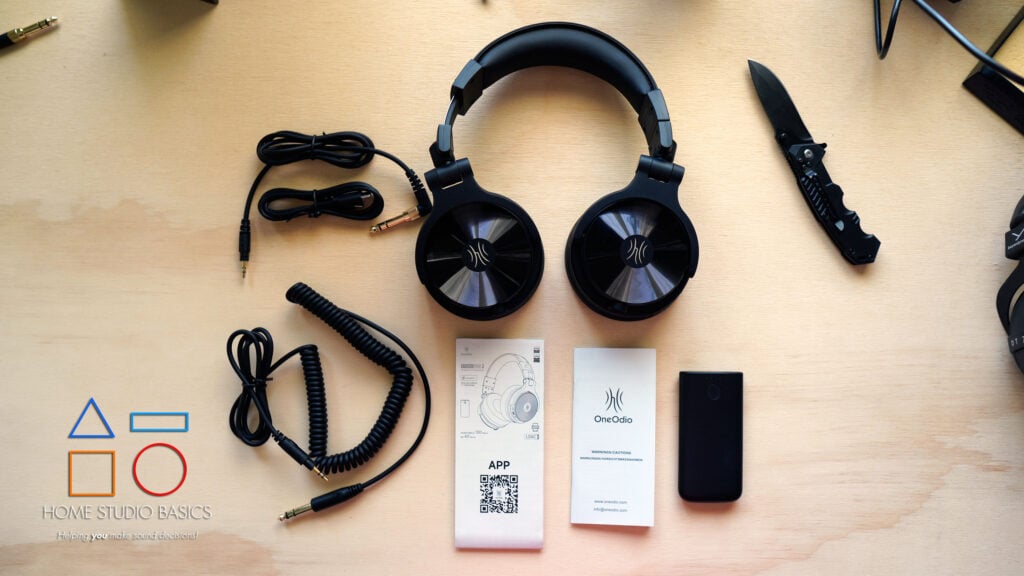
The bass also continues to stay out of the way while still providing the right amount of impact when the track calls for it. There’s enough emphasis to give kicks and basslines some weight and bounce, but it stays controlled and doesn’t spill over into the lower mids.
This makes M2 useful for general listening, but more importantly, it means I can still trust the headphones for serious lab work.
The overall presentation leans slightly warm rather than completely surgical, and I still think the timbre can occasionally come across a little dry and flat.
Soundstage also remains more average than exceptional, which is something that immediately stood out to me again.
That said, it’s not something that has a profound impact on my overall takeaway of this product.
If anything, my overall sentiment remains: The Studio Max 2 gets more right than wrong, and therefore is a more than viable option for producers looking for a great overall package with loads of value.

- Industry-Leading 9ms Ultra-Low Latency: Break the limits of wireless audio. Powered by proprietary RapidWill+ 3.0 technology, Studio Max 2 achieves an incredible 9ms response time, effectively eliminating the lag traditional Bluetooth headphones suffer from. Perfect for professional DJ monitoring, video editing, and competitive gaming where every millisecond counts.
- Pro-Grade Hi-Res Audio & LDAC: Don’t sacrifice quality for speed. Supporting the LDAC codec, Studio Max 2 transmits 3x more data than standard Bluetooth, delivering a high-resolution audio experience (20Hz-40kHz). The custom 45mm High-Flux drivers provide surgical precision for identifying every layer of your soundscape.
- 4-Mode Versatility & Dual-Jack Design: Designed for professionals, by professionals. Features integrated 3.5mm and 6.35mm jacks for direct instrument/mixer connection (no adapter needed). Seamlessly switch between 2.4G wireless, Bluetooth 6.0, and wired modes to adapt to any environment, from the bedroom studio to the festival stage.
- 120-Hour Marathon Battery Life: Built for the long grind. Enjoy up to 120 hours of continuous wireless use on a single charge. If you’re in a rush, our ultra-fast charging technology gives you 9 hours of playback with just a 5-minute charge, ensuring you’re always ready for your next session.
- Over-Ear Comfort & Durability for Long Sessions: Soft memory foam earcups and adjustable headband provide all-day comfort for 8+ hour DJ sets or studio shifts; 180° swivel earcups and robust build stand up to frequent on-the-go use.
The M2 Transmitter
The other aspect of Max 2 that still makes a lot of sense 6 months later is the M2 transmitter.
If you read my recent LEWITT LW6 review, the concept is pretty similar.
Rather than relying on standard Bluetooth for monitoring, the transmitter creates a dedicated, low-latency wireless connection, which is what makes these headphones practical for actual studio work.
OneOdio rates its RapidWill+ 3.0 connection at just 9ms of latency, and while I don’t have the equipment necessary to independently verify that exact number, the more important thing for me is how it behaves in actual use.
And in practice, the delay is small enough that it hasn’t gotten in the way when using Max 2 for timing-sensitive work.
I think this distinction is important.
Bluetooth is fine for listening to music, but once you’re recording vocals, playing an instrument, monitoring yourself in real time, or doing anything where timing matters, even a tiny delay can ruin everything and make you want to rethink your existence.
The M2 system largely circumvents that problem while giving you the freedom to move away from your desk without stressing about cables.
This may not sound like much, but I can assure you that when you’re recording, it’s one less annoying thing to have to deal with, especially if you’re anything like me and record a million takes before deciding one is good enough.
You can stand up, move around the room, reach for gear, record, or simply walk away without constantly thinking about a cable making your life a living hell.
So overall, the M2 still feels like a genuinely useful part of the package, improving the overall value of the headphones considerably.
Battery Life
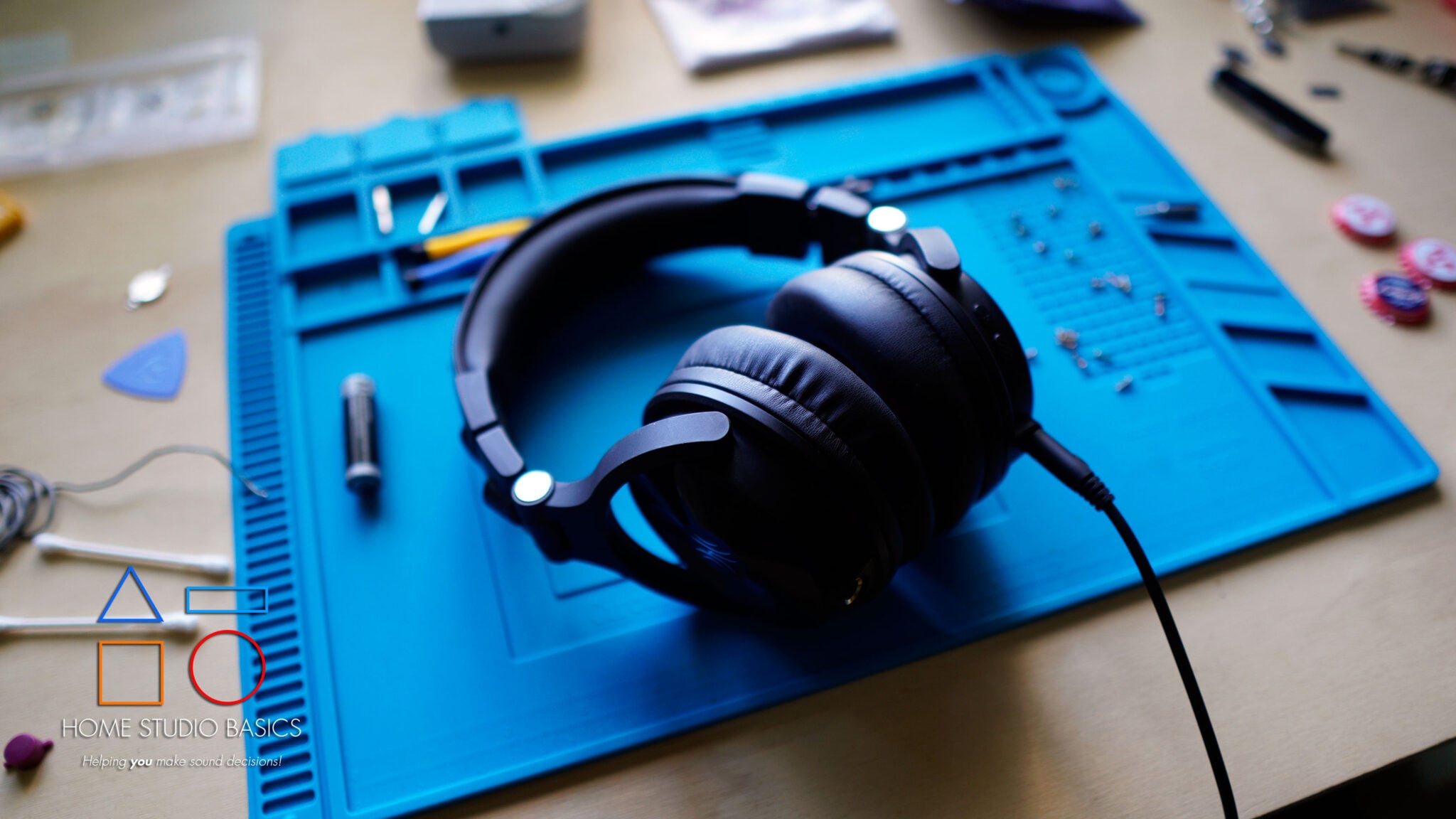
Battery life is another area where Max 2 has held up extremely well.
The specifications included with my original review unit list at least 120 hours of use for the headphones themselves and at least 60 hours for the M2 transmitter.
Those are manufacturer figures rather than numbers I’ve independently measured from 100% to zero, but the practical takeaway is that charging hasn’t needed to become a major part of the experience.
And I think that’s especially important for a product like this.
Low-latency wireless isn’t nearly as useful if you’re constantly thinking about whether the headphones or transmitter are about to die in the middle of a session.
Here, the available battery life is long enough that the wireless functionality actually feels convenient rather than creating another thing you have to manage.
If you’re primarily using Max 2 around a home studio rather than wearing it eight hours a day on the road, you’re likely going to go quite a while between charges.
Comfort
That said, the one thing I wasn’t crazy about during the original review hasn’t really changed either.
The earcups themselves are comfortable, spacious enough, and provide a nice seal, but the headband can still create a bit of a hot spot on the top of my head during longer listening sessions.
It’s not something I notice immediately, and for shorter listening or mixing sessions, it’s generally a non-issue.
But if you’re one of those out-of-control homies that mixes beats until 4 a.m., as I did in my 20s, you’ll need to be making frequent breaks and/or adjustments.
This is probably the main thing I’d improve after 6 months. It certainly isn’t enough to ruin the experience, but considering how well-rounded the rest of the package is, a little more padding or better pressure distribution up top would make these considerably easier to wear for long stretches.
Final Verdict
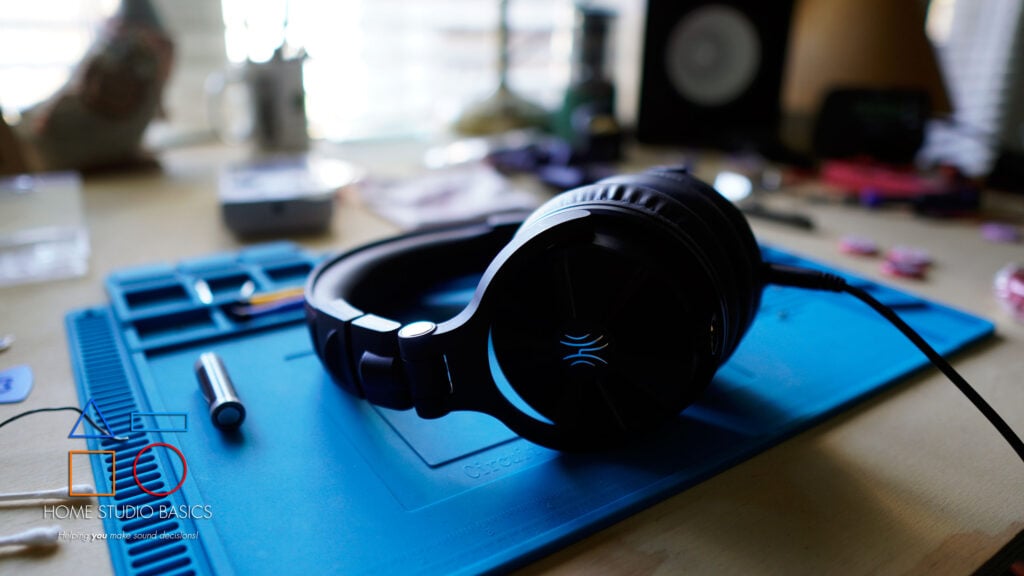
So, has my opinion of the Max 2 changed all that much?
Not really.
It’s still a very resolving headphone with excellent tuning and a phenomenal overall value when you consider the package as a whole.
The bass remains controlled, the mid-range stays clean, smaller details are incredibly easy to identify, and while Soundstage and timbre aren’t necessarily its strongest qualities, neither has prevented me from trusting Max 2 for serious production work.
More importantly, nothing has come up over the last 6 months that makes me want to change my opinion.
The wireless system still feels useful rather than gimmicky, battery life has been a non-issue, the headphones themselves have held up well, and outside of the same headband pressure I mentioned in the original Studio Max 2 review, there really haven’t been any new annoyances to speak of.
I still reach for it, still trust it, and I still think the combination of sound quality, low-latency wireless, flexibility, battery life, and price makes it a compelling option for the right person.
So if you were considering one after my original review, nothing about the last 6 months has changed my recommendation.
Discounts
And with Black Friday approaching, OneOdio is offering discounts of up to 30% on select products (beginning 11/19/26).
During the Black Friday promotion, the following code can be stacked; when stacked, the total discount can reach up to 32% OFF. Click here and use code 15HOMESTUDIO to get 15% OFF. Valid 11/16 – 12/31/26.
Note: Other products on the OneOdio official website priced over $50 can enjoy a direct 20% OFF on the product page during Nov 19 – Nov 30.
For Amazon:
During the Black Friday promotion, the following code can be stacked; when stacked, the total discount can reach up to 32% OFF. Click here and use code HOMESTUDIO for 15% OFF. Valid 11/16 – 12/31/26.
Well, that’s about it for today, my friend. I hope you enjoyed this OneOdio Studio Max 2 update review and came away with some valuable insight.
Questions? Comments? Requests? Did I miss the mark on something? Please let me know down below or Contact me!!
If you love what I do here and want to support the blog and channel in a more personal way, check me out on Patreon and discover all the value I have to offer you.
Have you had any experience mixing with headphones? Are there any headphones you would add or take away? I would love to hear your thoughts. Until next time…
All the best and God bless,

-Stu
Can’t decide which headphones to purchase? Interested in a complete buyers guide outlining over 40 of the best options on the market? Click on over to the best audiophile headphones to learn more!!
Be sure to also check out my Reviews and Resources page for more helpful and informative articles!